Full-Screen Mode
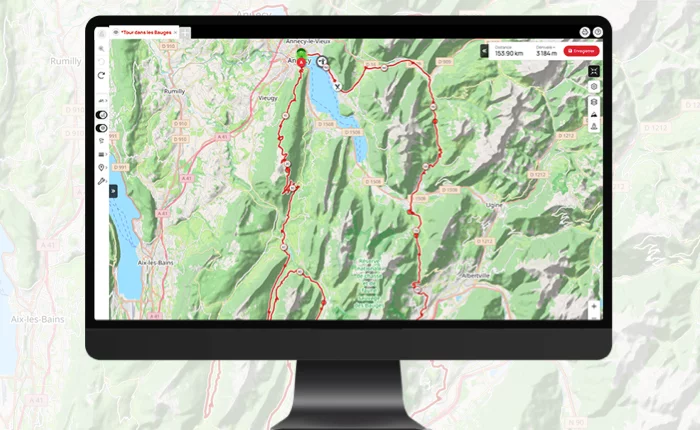
Use OpenRunner in full-screen for an immersive and comfortable experience. Plan, trace, and share your favorite routes with ease.
Switch to Full Screen!
Offering total immersion, precise terrain visualization, improved readability, and simplified navigation, the 'Full-Screen' mode significantly enhances user experience.
With a single click, display your route across your entire screen for an immediate gain in readability. In full-screen mode, tracing and viewing become even more comfortable, especially if you wish to display multiple routes simultaneously.
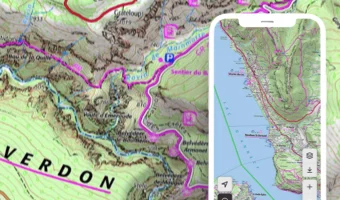
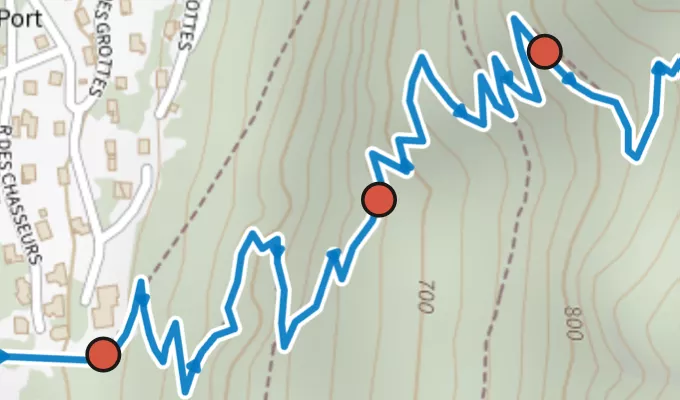
No more small windows, see things in a grand way! This feature is particularly useful when venturing into unknown areas or exploring complex trails. Easily spot points of interest, road and mule tracks, cycling paths, passable trails, relief contours... All elements are clearly visible.
Dive into your route, switching from one topographic map to another while displaying the altimetric profile and road type. Full screen, full control! The limits are set by your screen alone.
Whether you're a passionate hiker, an adventurous cyclist seeking challenges, or a trail runner exploring new paths, the 'Full-Screen' feature will transport you into a unique immersive experience.
This feature is part of the
Learn more
EXPL  RER
RER
RER Have questions about using this feature? Find all the useful information on our
help centre
.